01ConstructionConcept
Halden Build
A commercial contractor’s site written for a bid team: every project on a filterable map, and a tender pack one click from anywhere.
- Sector
- Construction
- Scope
- Strategy, design, build
- Stack
- Next.js · TypeScript · Tailwind
- Year
- 2026

01Overview
What we built, and why.
Commercial contractors are rarely chosen from their website, but they are often ruled out by it. Before a framework invitation or a tender shortlist, a bid manager spends a few minutes checking whether the firm has built this kind of thing, at this kind of value, nearby.
Halden’s site is built for that check. The project map answers “have you done this before, and where?” in one view, and every section ends in the same place: the tender pack.
Project facts
- Brief
- Self-initiated concept
- Deliverables
- One-page site, project map, tender form
- Audience
- Bid managers and framework leads
- Build
- Hand-coded, no page builder
02The brief
The brief we set.
Halden is a 38-year-old design-and-build contractor working across the North of England: logistics sheds, schools, civil repairs and some residential. Most work arrives through frameworks and invited tenders, not cold enquiries.
The people deciding are specialists. They want evidence — sector, value, location, year — and they want it without a phone call. A generic “about us” site with a gallery of hard hats gives them nothing to put in a scoring matrix.
Who it is for
- Primary
- Bid and framework managers
- Secondary
- Client-side project leads
- The decision
- Invite to tender
03Goals & challenges
What it had to do.
Goals
Prove relevant experience in seconds
Filter the whole portfolio by sector and see value and location at a glance, instead of paging through case studies.
Make the tender pack the obvious next step
One request form, reachable from every section, asking only what the estimating team needs.
Look as solid as the buildings
Heavy type, an industrial palette, and no stock photography of smiling people in hard hats.
Challenges
A map without map tiles
A tile-based map would add hundreds of kilobytes and a third-party dependency. The map is drawn in SVG: fast, sharp, and on-brand.
Pins everyone can use
Map pins are small targets and invisible to screen readers. Every pin is a real button, and a synced list gives the same information without the map.
04Design direction
How it looks, and why.
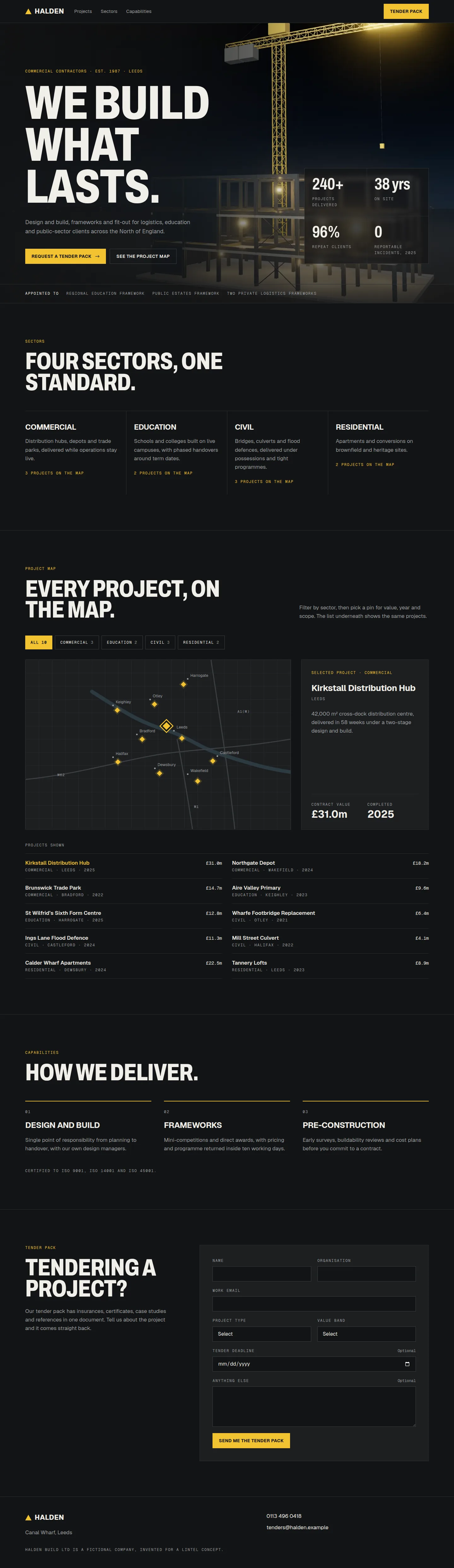
Industrial, dark and exact. The palette comes from site signage — asphalt, steel and hazard yellow — with yellow kept for the things you are meant to press. The hero is a rendered night view of a frame going up: the work is the proof, so it gets the whole screen.
Palette
Asphalt
#131415
Background
Plant
#1D1F21
Panels
Steel
#2B2E31
Rules and borders
Chalk
#F1EFE9
Text
Hazard
#F2C230
Actions and active states
Type
Display
Archivo 800, condensed to 75%, uppercase
clamp(64px, 10.5vw, 156px) / 0.88
We build what lasts.
Body
Geist 400
17px / 1.6
Design and build for logistics, education and the public sector.
Data
Geist Mono
12px / uppercase
Commercial · 2024 · £18.2m
Key decisions
Yellow means “act”
Hazard yellow is reserved for filters, the selected pin and the tender button. Nothing decorative uses it, so it always reads as the thing to press.
Numbers before adjectives
Every project leads with value, year and sector. Bid teams skim for figures; prose comes second.
One conversion, repeated
The tender pack is the only call to action on the site. It appears in the nav, the hero, after the map and at the foot of the page.
05Screens
The build, page by page.
Captured from the live concept, not mocked up.
06Key features
What it does.
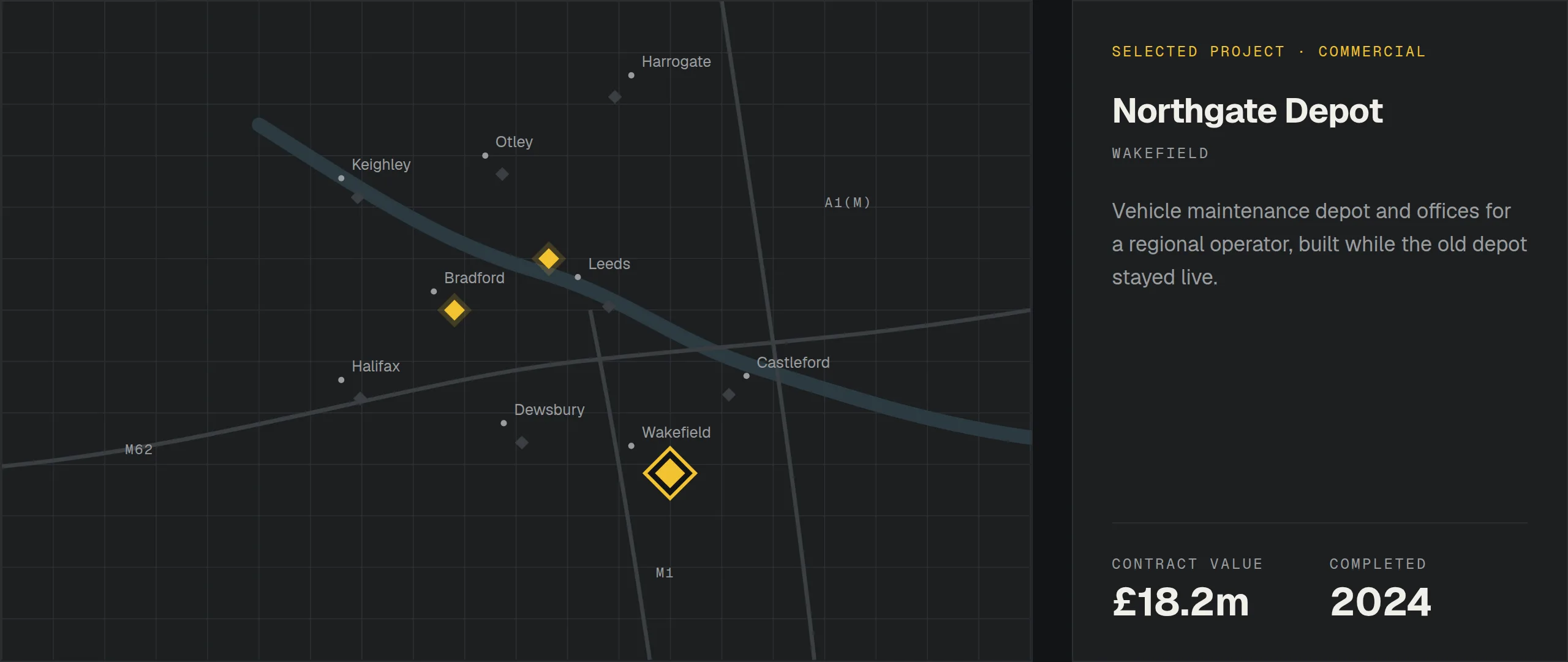
Filterable project map
Ten projects plotted on an SVG map of the region. Filter by sector, then pick a pin to see value, year and scope. The list under the map stays in sync, so everything works without the map too.
Project map, filtered to Commercial
Tender pack request
A short form that routes straight to estimating: project type, value band and deadline. On the concept it confirms without sending anything.
Sectors with proof
Logistics, education, civil and residential each get one line of proof and a count of completed projects.
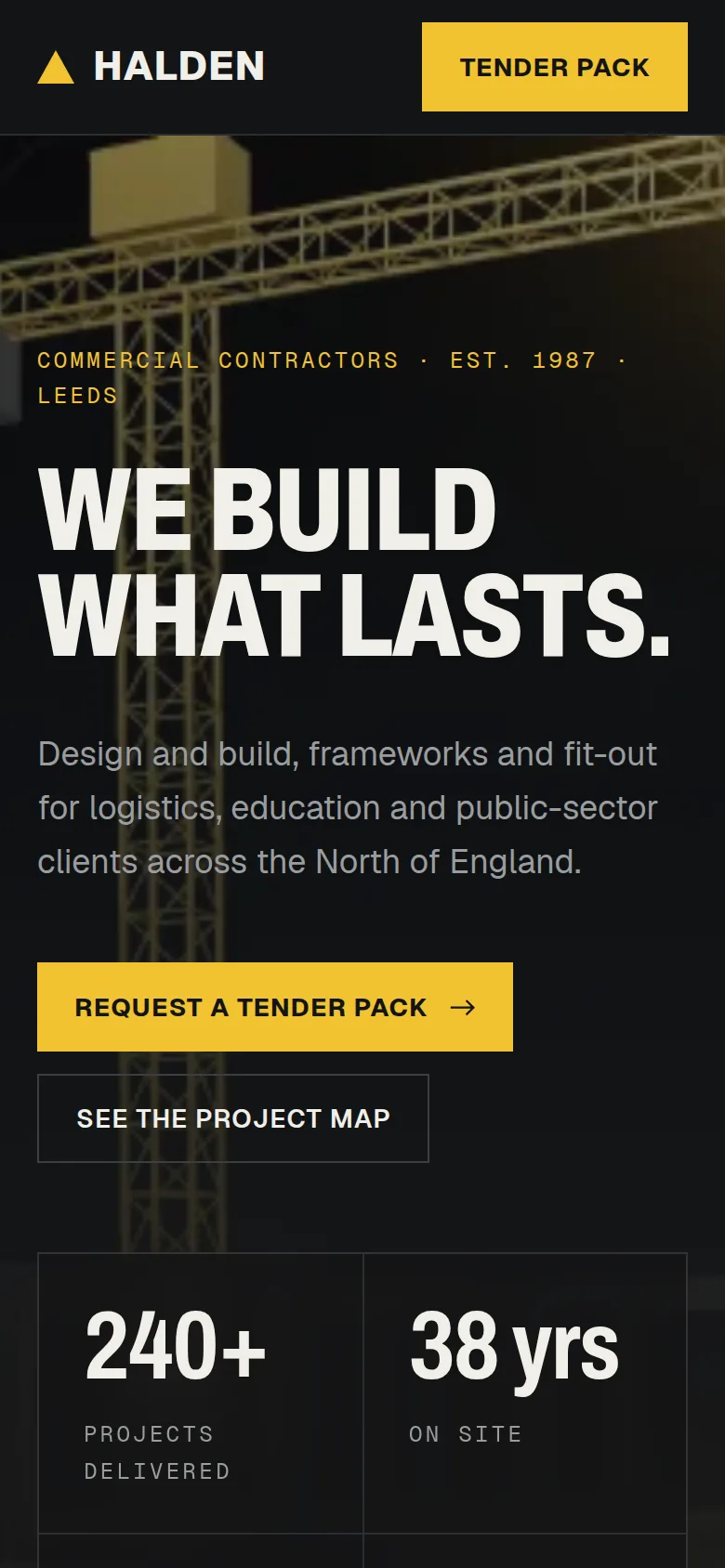
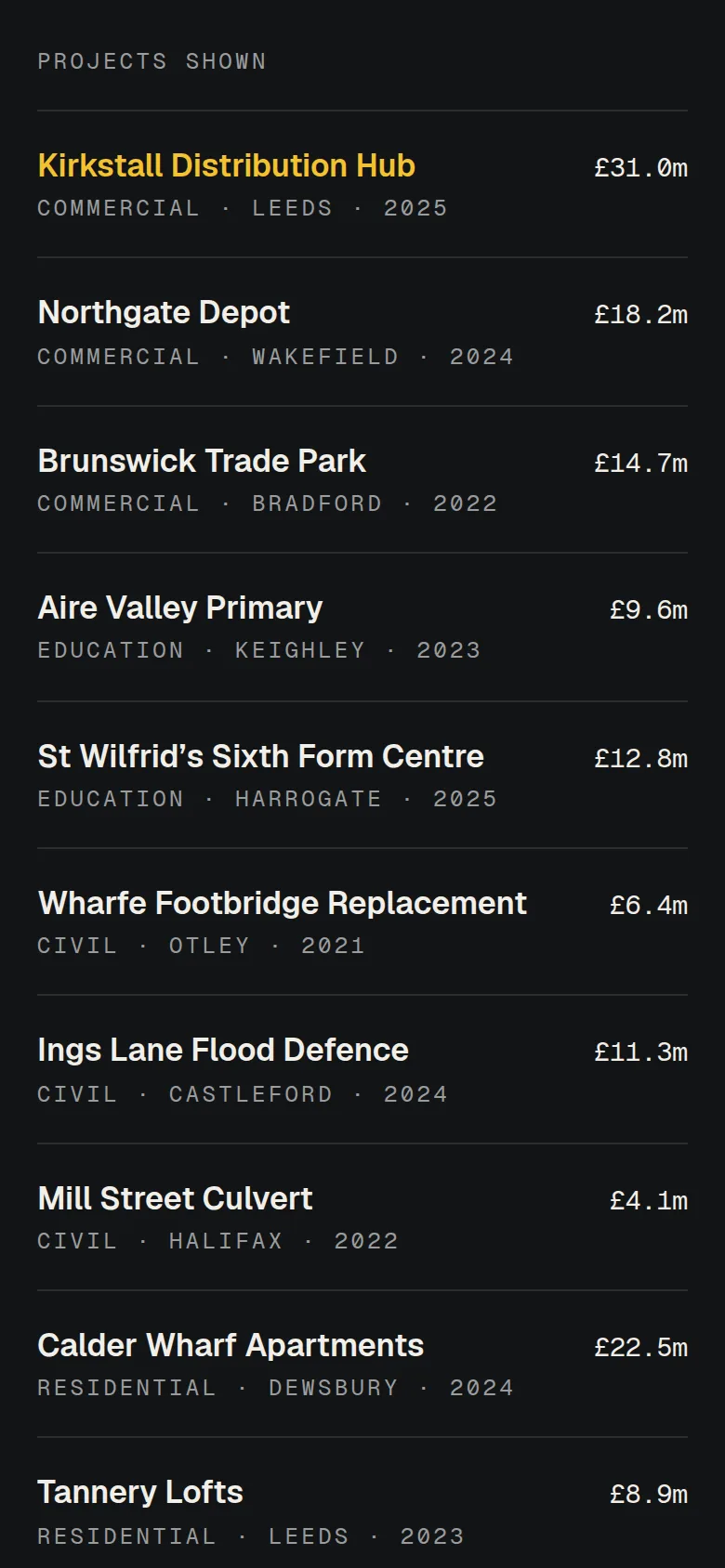
Built for phones on site
On small screens the map collapses into a list, and the tender form is sized for thumbs.
On phones the map becomes a list
07Results
Measured, not claimed.
Measured on the live concept with Lighthouse (mobile preset), median of three runs.
Measured on the live concept ·
- Performance
- 92 out of 100
- Accessibility
- 100 out of 100
- Best Practices
- 100 out of 100
- SEO
- 100 out of 100
SEO leaves out Lighthouse’s crawlability check. Concept sites are deliberately set to noindex, so no one mistakes them for real businesses.
- Page weight
- 318 KB
- JavaScript
- 152 KB
- Requests
- 26
- The map is inline SVG: no map tiles and no third-party scripts.
- Beyond the framework runtime, only the map and the tender form ship JavaScript. Everything else is static HTML.
08Next
Want this standard for a real business?
Every Lintel project starts with a free recorded audit of your current site. No obligation, and it’s yours to keep.